












Free for members · Design studio of the Initiative

IQ Studio
Returning founders plan their processing venture, design its equipment and controls, and prepare the documents their coach, coordinator and funders need — in one studio, free of charge, guided aloud in their own language.
Already a member? Sign in and the studio opens directly.
Every tool in the studio
Fourteen tools, all open to members. Select one to see what it does.
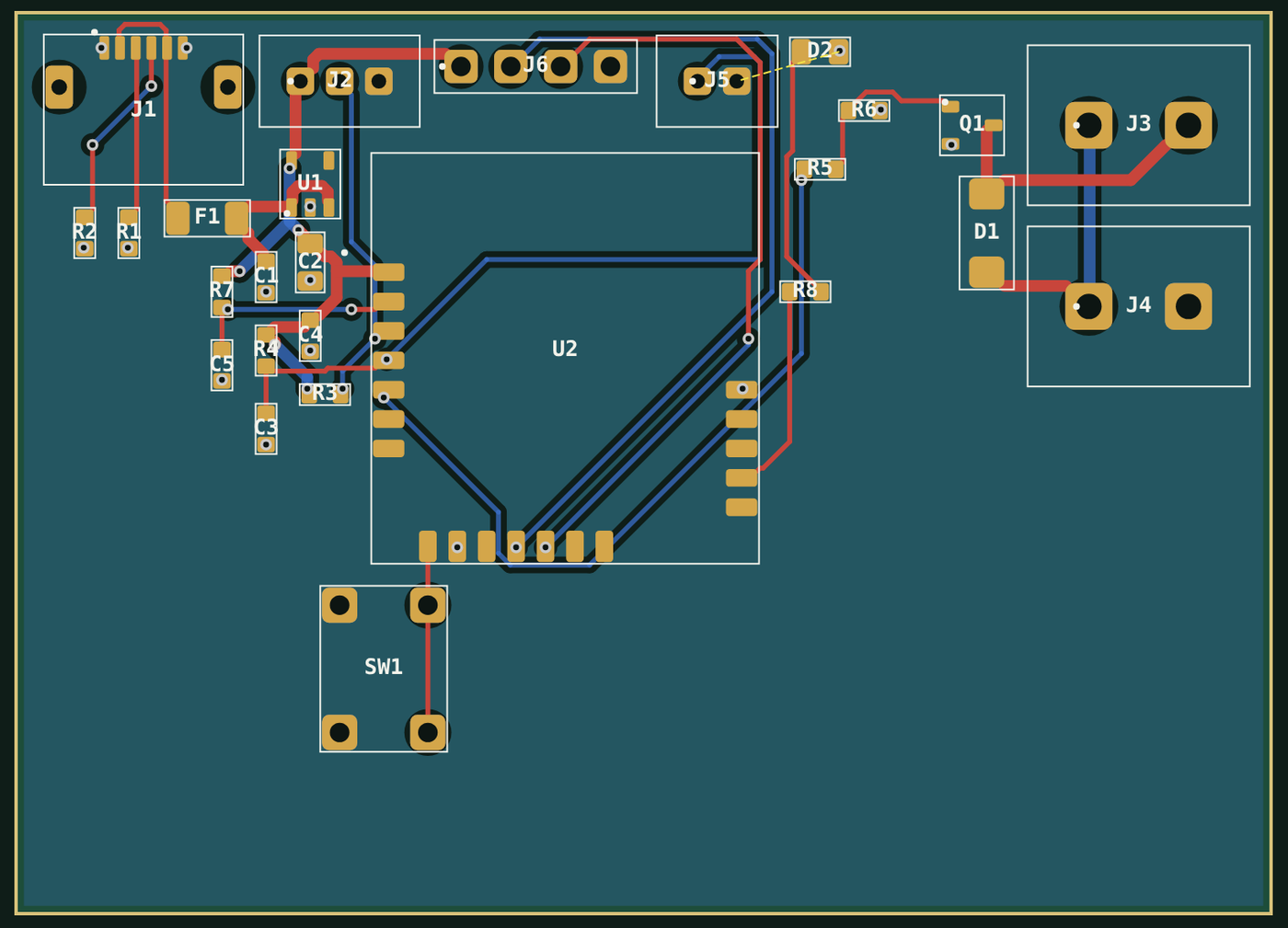
A fish-farm water monitor, designed in the studio
A water-temperature probe, a tank-level float switch and an aerator relay on one controller, so the farm is alerted and the aerator starts before stock is lost.
- Parts
- 26 on one board
- Board
- 64 × 46 mm, two layers
- Routing
- 32 of 32 connections
- Electrical check
- Clean
Seven sectors to start from
Each sector sets the questions, the equipment and the costs the studio works with.
- Agro-processing
- Aquaculture and fish processing
- Construction products
- Solar and energy
- Water
- Product or device
- Field tool
From an idea to a reviewed project
IQ Studio is free for returning founders, their coaches and coordinators. The studio guide explains every step aloud in English, French, Spanish, Portuguese and Haitian Creole.
- PlanDescribe the venture and receive a costed pack.
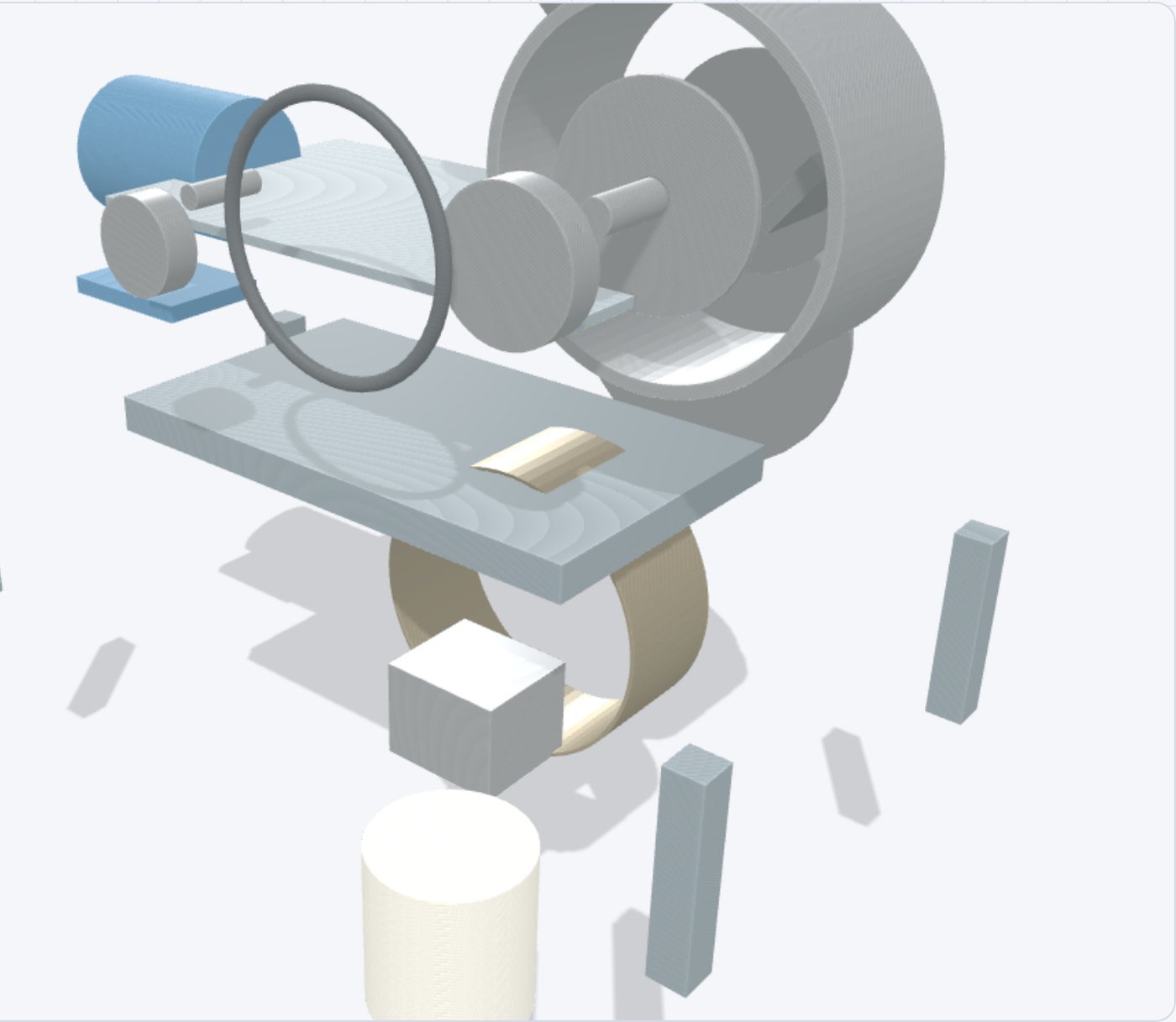
- DesignDesign the controls, open the machines in 3D and check every part.
- ReviewGo through it with your coach, your coordinator and one of our technical reviewers.
- RequestAttach the project PDF to your Business Planner for programme review.
Questions
Who can use IQ Studio?
Every member of the Initiative: returning founders, their coaches and their coordinators. Membership is free; you create your account once and it opens all four member tools.
Do I need engineering experience?
No. You describe the venture in your own words. The guide and the Copilot ask the questions an engineer would ask, and one of our technical reviewers can look over your work before you present it.
Does it work on a phone?
Yes. The studio runs in the browser on a computer, a tablet or a phone, with the same member sign-in.
What do I take away?
The project PDF: your plan, costs, schematic, board and product pictures in one document, ready for your coordinator and the programme review. Everything else stays online in your member space.
Who sees my designs?
Only you, and the coach and coordinator you invite to a shared room. Our technical reviewers see a design only when you send it for review.
Your venture, designed and ready to present. Free for members of the Initiative.